 |
Sapphire Browser Feed your addiction – Your AppleTV & Mac just got better. |
-
Sapphire Beta 4 Preview (1.0b4)
Posted on September 16th, 2007 No commentsIt has been awhile since we have released any updates to the Sapphire plug-in. As you might have noticed, when we do push releases, they aren’t sparse on new features. Beta 4 will be no exception. We are excited about the new features and thought it would be appropriate to put together a preview of what to expect from our next release.

Movie Support:
- Sapphire will now be supporting automated metadata fetching for movies. This is probably the most anticipated feature in beta 4, but maybe that is because nobody knew about the other goodies we have been working on. IMDB will be the primary source the movie data & we will be using IMPAwards to gather cover art (more like cover posters 🙂 ). Additionally, if you’re still using XML files to store your movie meta data, Sapphire will collect it appropriately. I’m sorry I don’t have any screenshots to show for the movies yet – it is still being worked on.
Browser interface:
-
Direct Volume Access:
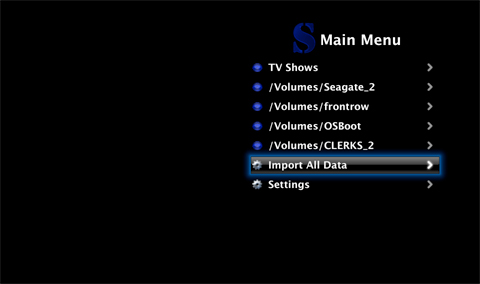
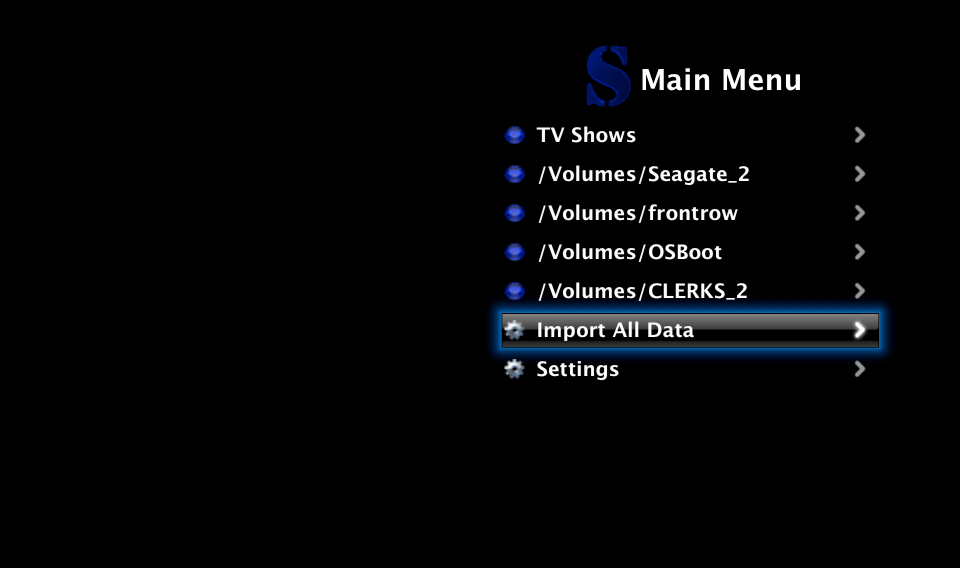
- The first thing you will notice is the list of all the current mounts on your Apple TV. It is no longer necessary to mount or link remote drives through the frontrow movie folder (~/Movies/) in order to access them through Sapphire.
-
Virtual Media Folders:
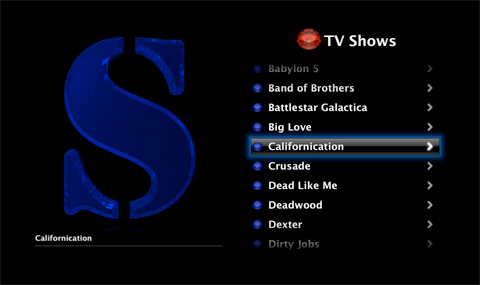
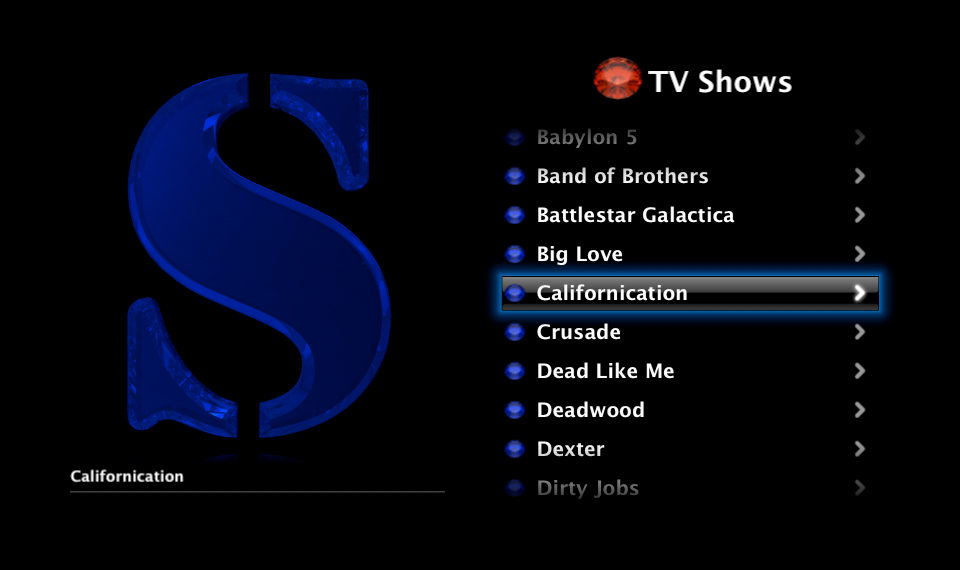
- Sapphire will now place all your identified TV shows into one virtual folder. Episodes and Seasons from the same show located in different folders are displayed together – there is no longer the need to manage your TV shows into specific folders to keep your Apple TV browsing clean.
Metadata Importing:
-
Verbose Initialization:
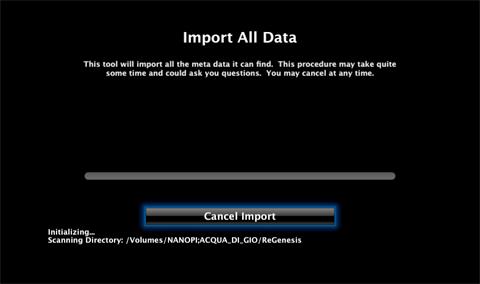
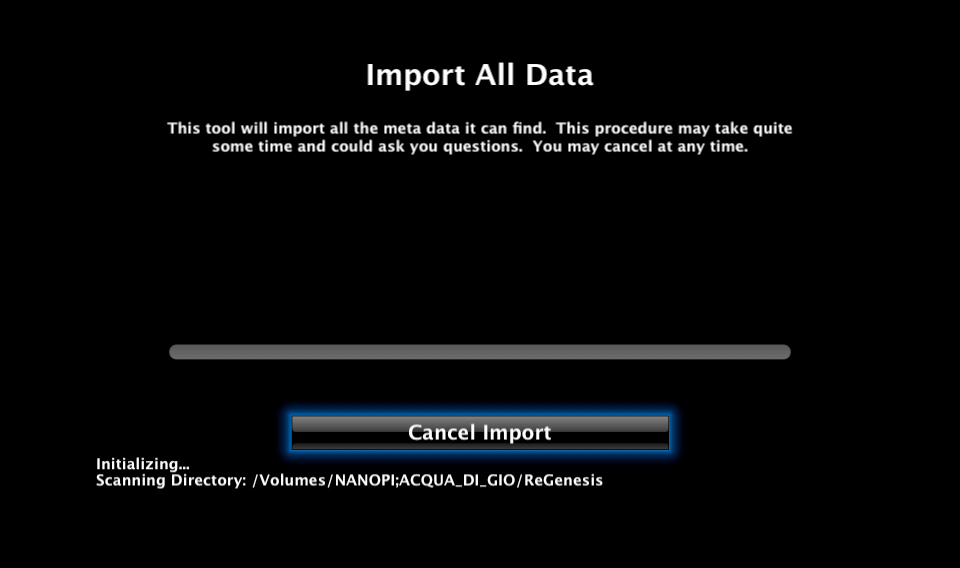
- The import tools now have a more verbose initialization process. This is primarily to allow the user to see what is going on instead of wondering if Sapphire is doing anything.
-
Updated:
- Sapphire’s import tools have been updated to better handle slow network connections. This should help a lot of users that were having issues getting the import tools to complete on their own.
On-demand Browser Switching:
- Sapphire now allows for switching between each browser view (Unwatched, Favorite, Browse) without needing to come back to the main menu. One click of the remote and the browser view will switch to the next.
Music:

- We’re not sure why you would like to play music through a third party plug-in – needless to say beta 4 will now be supporting music playback.
So, When is it going to be released?
- The conservative estimate is early October. Aside from code needing to be written, we have some rather important events coming up in the next couple of weeks that are straining the amount of time we (mainly I) can put into Sapphire. Unfortunately it’s been my code base that gotten the neglected consequently stalling the beta 4 release. On that note it is important to us that we release a solid build to the public. Hang in there, it will be worth it.


© 2022. NanoPi. All rights reserved.
